第104章:ミニ課題:エラーに強い“記事ビューア”完成🏁
この章は「ローディング⏳」「エラー🧯」「404🚪」をぜんぶ揃えた、“優しい記事ビューア”を作ってゴールする回だよ〜😊💕
今日のゴール🎯✨
できたら勝ちです🏆
/articlesで記事一覧が見れる🗂️/articles/1みたいに詳細が見れる🔎- 読み込み中は「それっぽい」表示になる⏳✨
- 失敗したらエラー画面が出て「再試行」できる🔁
- 存在しない記事は 404(not-found)になる🚪
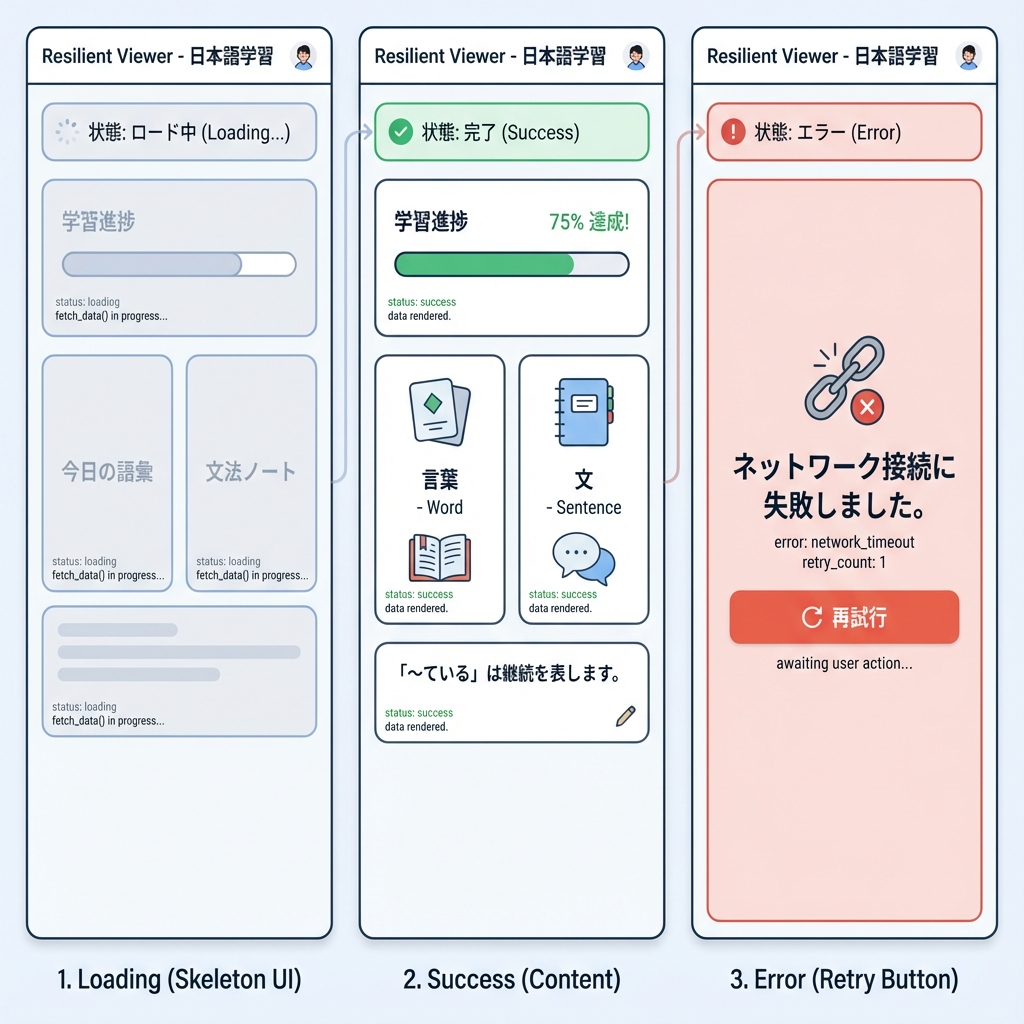
完成イメージ(フォルダ構成)🗺️📦
1) まずはデータ取得ユーティリティを作る📡🍵

app/lib/articles.ts を作ってね(なければ app/lib フォルダも作成)✨
※外部APIは例として JSONPlaceholder を使うよ🧪
// app/lib/articles.ts
export type Article = {
  id: number
  title: string
  body: string
}

const BASE = 'https://jsonplaceholder.typicode.com'

function sleep(ms: number) {
  return new Promise((resolve) => setTimeout(resolve, ms))
}

export async function fetchArticleList(options?: { delayMs?: number; fail?: boolean }) {
  const delayMs = options?.delayMs ?? 700
  const fail = options?.fail ?? false

  await sleep(delayMs)

  if (fail) {
    throw new Error('わざと失敗させました(一覧)💥')
  }

  // 2025以降のNext.jsでは、fetchは「デフォルトでキャッシュされない」扱いが基本なので
  // 必要なら next.revalidate などを付けて調整できるよ🧊⏱️
  const res = await fetch(`${BASE}/posts?_limit=12`, {
    next: { revalidate: 60 },
  })

  if (!res.ok) {
    throw new Error(`一覧の取得に失敗しました: ${res.status}`)
  }

  const data = (await res.json()) as Article[]
  return data
}

export async function fetchArticleById(
  id: number,
  options?: { delayMs?: number; fail?: boolean },
) {
  const delayMs = options?.delayMs ?? 900
  const fail = options?.fail ?? false

  await sleep(delayMs)

  if (fail) {
    throw new Error('わざと失敗させました(詳細)💥')
  }

  const res = await fetch(`${BASE}/posts/${id}`, {
    next: { revalidate: 60 },
  })

  if (!res.ok) {
    // 404っぽい時もここに来るよ
    return null
  }

  const data = (await res.json()) as Article
  return data
}
fetch はサーバー側で直接 await fetch() してOKだよ〜🙆♀️✨ (Next.js)
あと、最近のNext.jsでは fetch はデフォルトでキャッシュされない前提で説明されてるので、必要なら cache や next.revalidate で調整できるよ🧊⏱️ (Next.js)
2) 一覧ページ /articles を作る🗂️💕
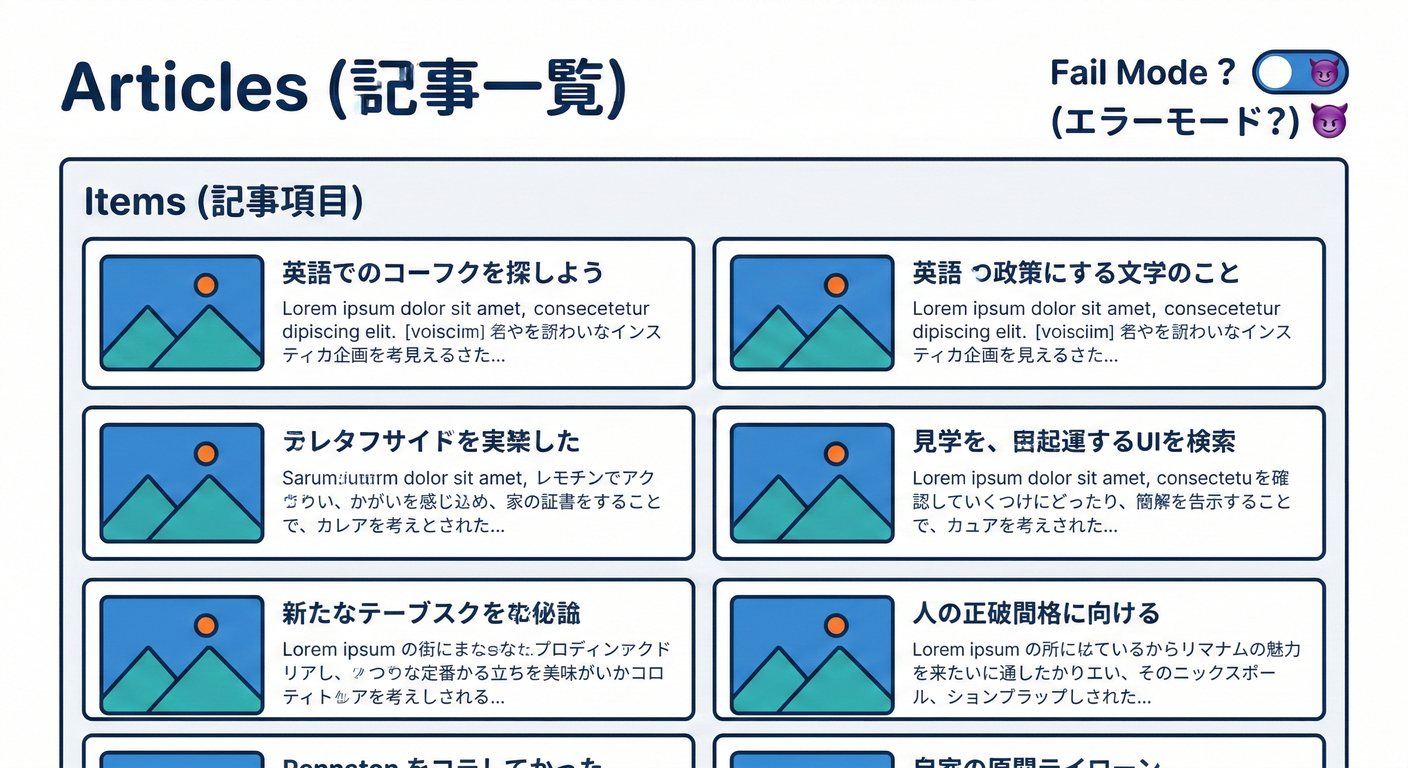
app/articles/page.tsx
// app/articles/page.tsx
import Link from 'next/link'
import { fetchArticleList } from '../lib/articles'

export default async function ArticlesPage({
  searchParams,
}: {
  searchParams: Promise<{ fail?: string }>
}) {
  const { fail: failStr } = await searchParams
  const fail = failStr === '1'

  const articles = await fetchArticleList({ fail })

  return (
    <main style={{ padding: 16, maxWidth: 900, margin: '0 auto' }}>
      <h1 style={{ fontSize: 28, marginBottom: 8 }}>記事一覧📰✨</h1>

      <p style={{ marginBottom: 16 }}>
        失敗テストしたい時は <code>?fail=1</code> を付けてね😈💥
      </p>

      <ul style={{ display: 'grid', gap: 12, padding: 0, listStyle: 'none' }}>
        {articles.map((a) => (
          <li
            key={a.id}
            style={{
              border: '1px solid #ddd',
              borderRadius: 12,
              padding: 12,
            }}
          >
            <Link href={`/articles/${a.id}`} style={{ textDecoration: 'none' }}>
              <div style={{ fontSize: 12, opacity: 0.7 }}>ID: {a.id}</div>
              <div style={{ fontSize: 18, fontWeight: 700, color: '#111' }}>
                {a.title}
              </div>
            </Link>
          </li>
        ))}
      </ul>
    </main>
  )
}
一覧のローディング⏳(loading.tsx)
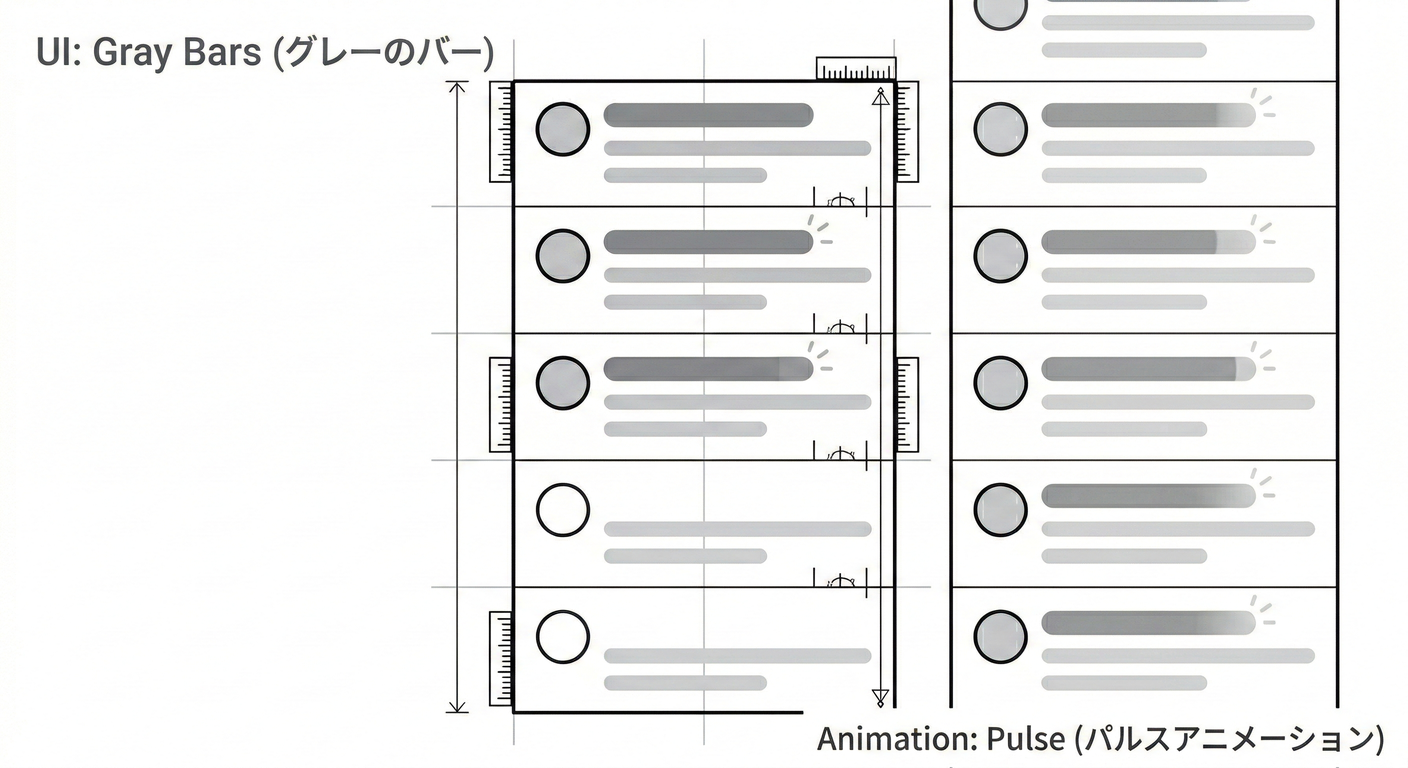
app/articles/loading.tsx
// app/articles/loading.tsx
export default function Loading() {
  return (
    <main style={{ padding: 16, maxWidth: 900, margin: '0 auto' }}>
      <h1 style={{ fontSize: 28, marginBottom: 8 }}>記事一覧📰✨</h1>
      <p>読み込み中だよ〜⏳💤</p>

      <ul style={{ display: 'grid', gap: 12, padding: 0, listStyle: 'none', marginTop: 16 }}>
        {Array.from({ length: 8 }).map((_, i) => (
          <li
            key={i}
            style={{
              border: '1px solid #eee',
              borderRadius: 12,
              padding: 12,
              opacity: 0.6,
            }}
          >
            <div style={{ height: 10, width: 60, background: '#eee', borderRadius: 999 }} />
            <div style={{ height: 14, width: '80%', background: '#eee', borderRadius: 999, marginTop: 10 }} />
            <div style={{ height: 14, width: '55%', background: '#eee', borderRadius: 999, marginTop: 8 }} />
          </li>
        ))}
      </ul>
    </main>
  )
}
loading.tsx や Suspense の fallback が出ると、そこからストリーミングが始まるよ〜🌊✨ (Next.js)
3) 詳細ページ /articles/[id] を作る🔎🧡
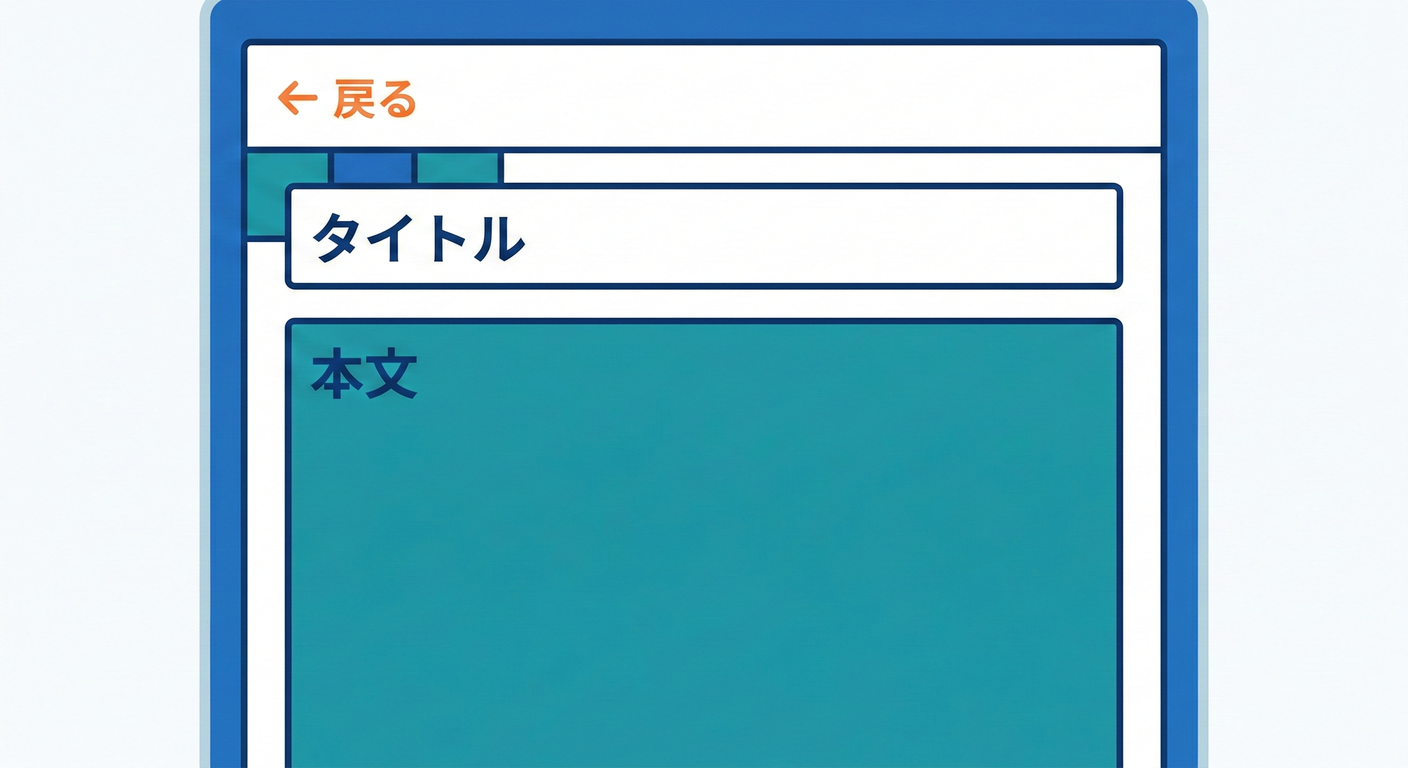
app/articles/[id]/page.tsx
// app/articles/[id]/page.tsx
import Link from 'next/link'
import { notFound } from 'next/navigation'
import { fetchArticleById } from '../../lib/articles'

export default async function ArticlePage({
  params,
  searchParams,
}: {
  params: Promise<{ id: string }>
  searchParams: Promise<{ fail?: string }>
}) {
  const { id: rawId } = await params;
  const id = Number(rawId)
  if (!Number.isFinite(id)) notFound()

  const { fail: failStr } = await searchParams;
  const fail = failStr === '1'
  const article = await fetchArticleById(id, { fail })

  if (!article) {
    // notFound() を呼ぶと、このルートセグメントの not-found.tsx が表示されるよ🚪
    notFound()
  }

  return (
    <main style={{ padding: 16, maxWidth: 900, margin: '0 auto' }}>
      <div style={{ display: 'flex', gap: 12, alignItems: 'center', marginBottom: 16 }}>
        <Link href="/articles" style={{ textDecoration: 'none' }}>
          ← 一覧へ戻る🗂️
        </Link>
        <span style={{ opacity: 0.6 }}>/</span>
        <span style={{ opacity: 0.8 }}>ID: {article.id}</span>
      </div>

      <h1 style={{ fontSize: 26, marginBottom: 10 }}>{article.title} 📝</h1>

      <p style={{ lineHeight: 1.8, whiteSpace: 'pre-wrap' }}>{article.body}</p>

      <div style={{ marginTop: 18, opacity: 0.85 }}>
        <p style={{ marginBottom: 8 }}>
          失敗テスト:<code>?fail=1</code> を付けて開くとエラーになるよ😈💥
        </p>
      </div>
    </main>
  )
}
notFound() は、そのセグメントの not-found.tsx を表示するための関数だよ🚪 (Next.js)
4) 詳細のローディング⏳([id]/loading.tsx)
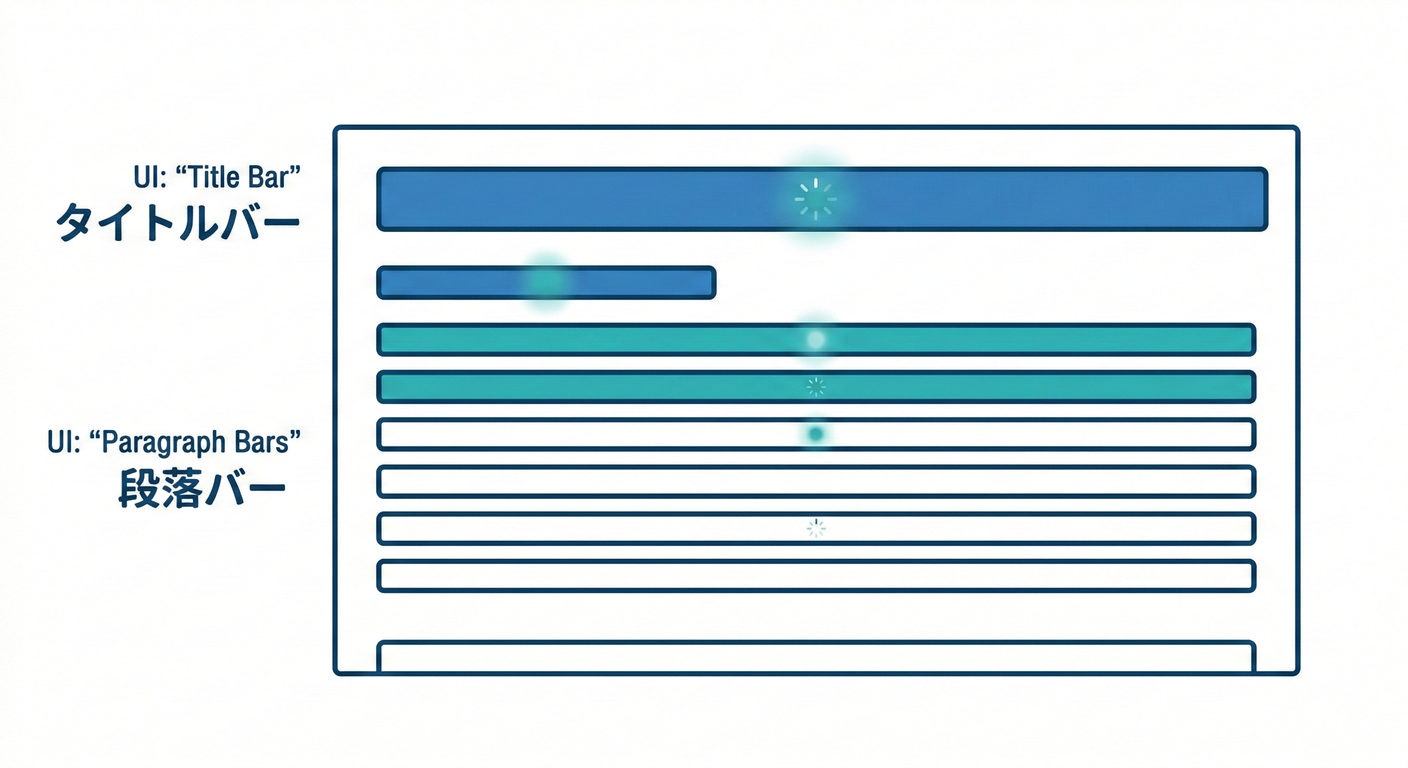
app/articles/[id]/loading.tsx
// app/articles/[id]/loading.tsx
export default function Loading() {
  return (
    <main style={{ padding: 16, maxWidth: 900, margin: '0 auto' }}>
      <p style={{ marginBottom: 10 }}>記事を読みに行ってるよ〜⏳📚</p>

      <div style={{ border: '1px solid #eee', borderRadius: 12, padding: 12, opacity: 0.7 }}>
        <div style={{ height: 18, width: '70%', background: '#eee', borderRadius: 999 }} />
        <div style={{ height: 12, width: '95%', background: '#eee', borderRadius: 999, marginTop: 12 }} />
        <div style={{ height: 12, width: '90%', background: '#eee', borderRadius: 999, marginTop: 10 }} />
        <div style={{ height: 12, width: '85%', background: '#eee', borderRadius: 999, marginTop: 10 }} />
      </div>
    </main>
  )
}
5) 詳細のエラー画面🧯([id]/error.tsx)+再試行🔁

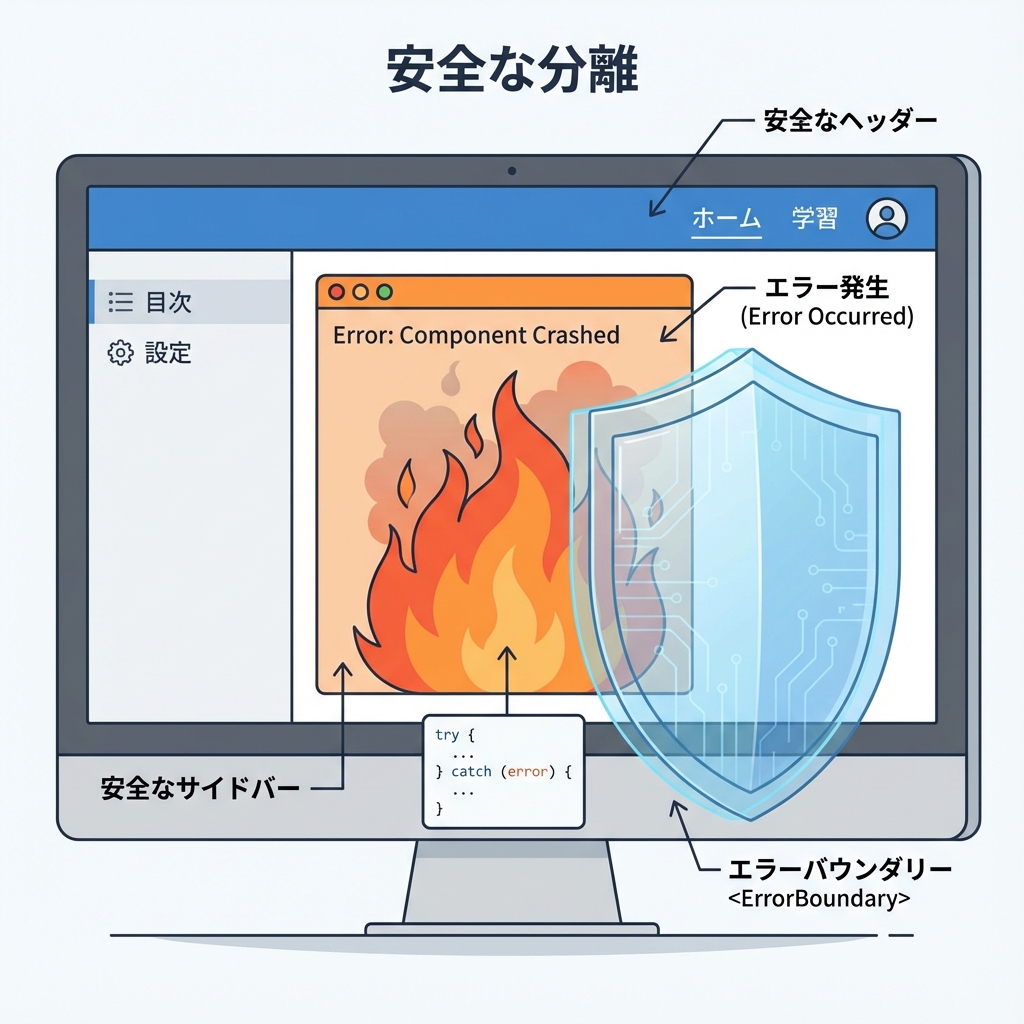
app/articles/[id]/error.tsx
// app/articles/[id]/error.tsx
'use client'

import { useEffect } from 'react'
import Link from 'next/link'

export default function Error({
  error,
  reset,
}: {
  error: Error & { digest?: string }
  reset: () => void
}) {
  useEffect(() => {
    // 本当は監視サービスに送ったりする(ここでは雰囲気だけ)📝
    console.error('[Article Error]', error)
  }, [error])

  return (
    <main style={{ padding: 16, maxWidth: 900, margin: '0 auto' }}>
      <h1 style={{ fontSize: 26, marginBottom: 8 }}>ごめんね…読み込み失敗しちゃった😢🧯</h1>

      <p style={{ lineHeight: 1.8 }}>
        たぶん一時的な通信エラーかも!<br />
        よかったら「もう一回」押してみてね🔁✨
      </p>

      <div style={{ display: 'flex', gap: 12, marginTop: 16 }}>
        <button
          onClick={() => reset()}
          style={{
            padding: '10px 14px',
            borderRadius: 10,
            border: '1px solid #ddd',
            cursor: 'pointer',
            background: '#fff',
          }}
        >
          もう一回やる🔁
        </button>

        <Link href="/articles" style={{ alignSelf: 'center' }}>
          一覧へ戻る🗂️
        </Link>
      </div>

      <p style={{ marginTop: 16, opacity: 0.65, fontSize: 12 }}>
        (開発用メモ)digest: {error.digest ?? 'なし'}
      </p>
    </main>
  )
}
error.tsx は Client Component 必須で、reset() で再レンダリングして復帰を試せるよ🔁 (Next.js)
6) 詳細の 404 画面🚪([id]/not-found.tsx)
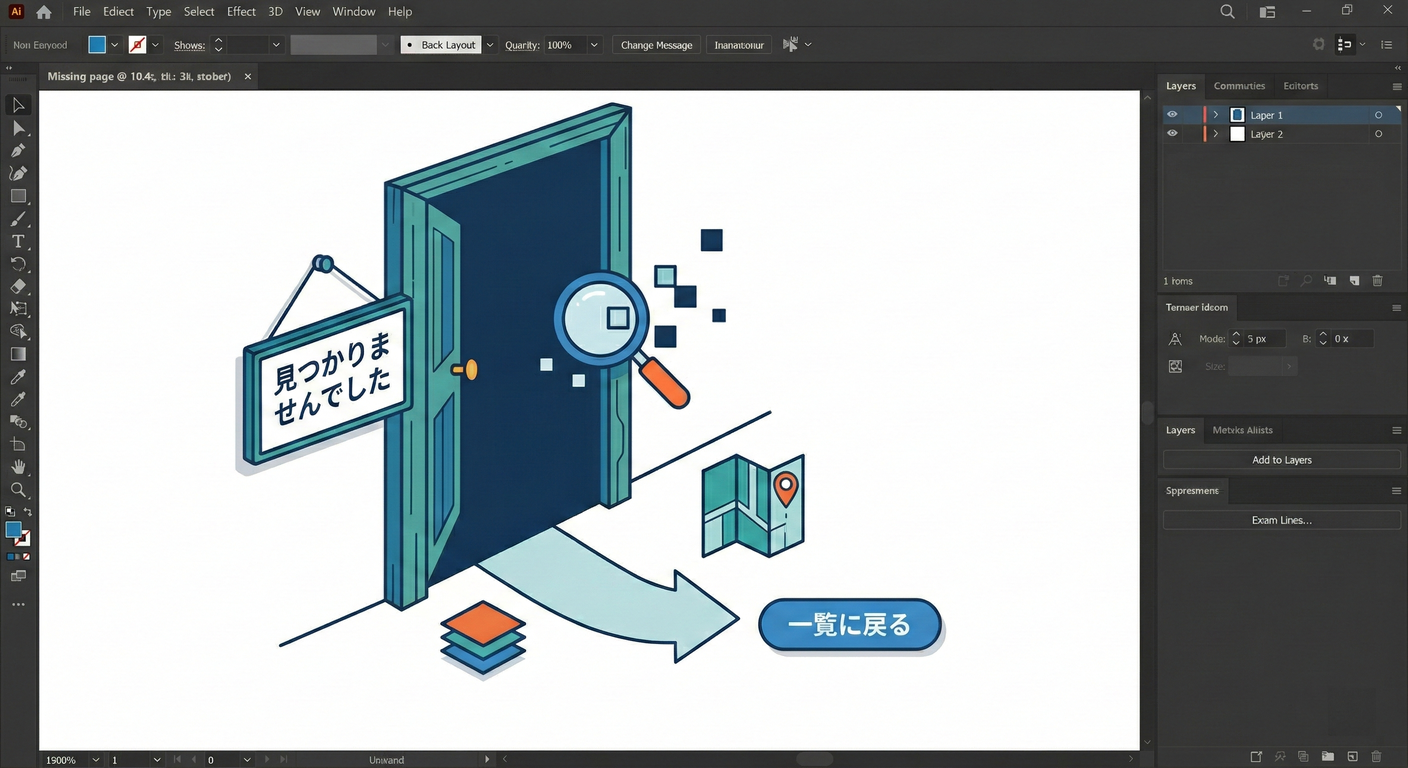
app/articles/[id]/not-found.tsx
// app/articles/[id]/not-found.tsx
import Link from 'next/link'

export default function NotFound() {
  return (
    <main style={{ padding: 16, maxWidth: 900, margin: '0 auto' }}>
      <h1 style={{ fontSize: 26, marginBottom: 8 }}>その記事、見つからなかったよ〜🚪😢</h1>

      <p style={{ lineHeight: 1.8 }}>
        URLのIDが間違ってるか、記事が消えちゃったのかも…!<br />
        一覧に戻って探してみてね🗂️🔎
      </p>

      <div style={{ marginTop: 14 }}>
        <Link href="/articles">← 一覧へ戻る📰</Link>
      </div>
    </main>
  )
}
ちなみに not-found.tsx は、notFound() が投げられたときに表示される仕組みだよ〜🚪 (Next.js)
動きの流れ(ローディング→成功/失敗→再試行)🌊🧯🔁
loading.tsx や Suspense の fallback が出た時点でストリーミング開始…みたいな挙動になるよ🌊 (Next.js)
動作チェック✅(これ全部できたらクリア!🎉)
PowerShell(またはターミナル)で:
npm run dev
ブラウザで👇を試してね😊
- 一覧(正常)
http://localhost:3000/articles - 一覧(失敗)😈💥
http://localhost:3000/articles?fail=1 - 詳細(正常)
http://localhost:3000/articles/1 - 詳細(失敗)😈💥
http://localhost:3000/articles/1?fail=1 - 404(存在しない)🚪
http://localhost:3000/articles/99999
仕上げのコツ(“ユーザーに優しい”はここ💖)
- エラー文は「あなたのせい」っぽくしない🫶 → 「通信が不安定かも」「もう一回試してね」みたいに✨
- 404は「次の行動」を置く🧭 → 「一覧へ戻る」リンクは正義🗂️
- エラーは小さく閉じ込める✂️
→
[id]/error.tsxに置くと、詳細だけ守れる🛡️ (Next.js)
発展ミッション(余裕があれば)🌟
- ローディングのスケルトンをもう少し可愛くする🎀
error.tsxに「エラー内容をコピー」ボタンを付ける📋not-found.tsxに「人気記事(固定で3つ)」リンクを置く⭐
ここまでできたら、もう “壊れても優しいNext.jsアプリ” の土台は完成だよ〜🥳🧡 次(第105章)からはアプリ内API(Route Handlers)に入っていこうね🚪🧪